What an AI Email Management Tool Actually Does (And Why It's Different in 2026)
Most "AI email tools" just write replies. A real AI email management tool sorts, prioritizes, drafts, and learns. Here's what to look for.

Jimmy Kåsby
Founder, LetterLeaf
Featured
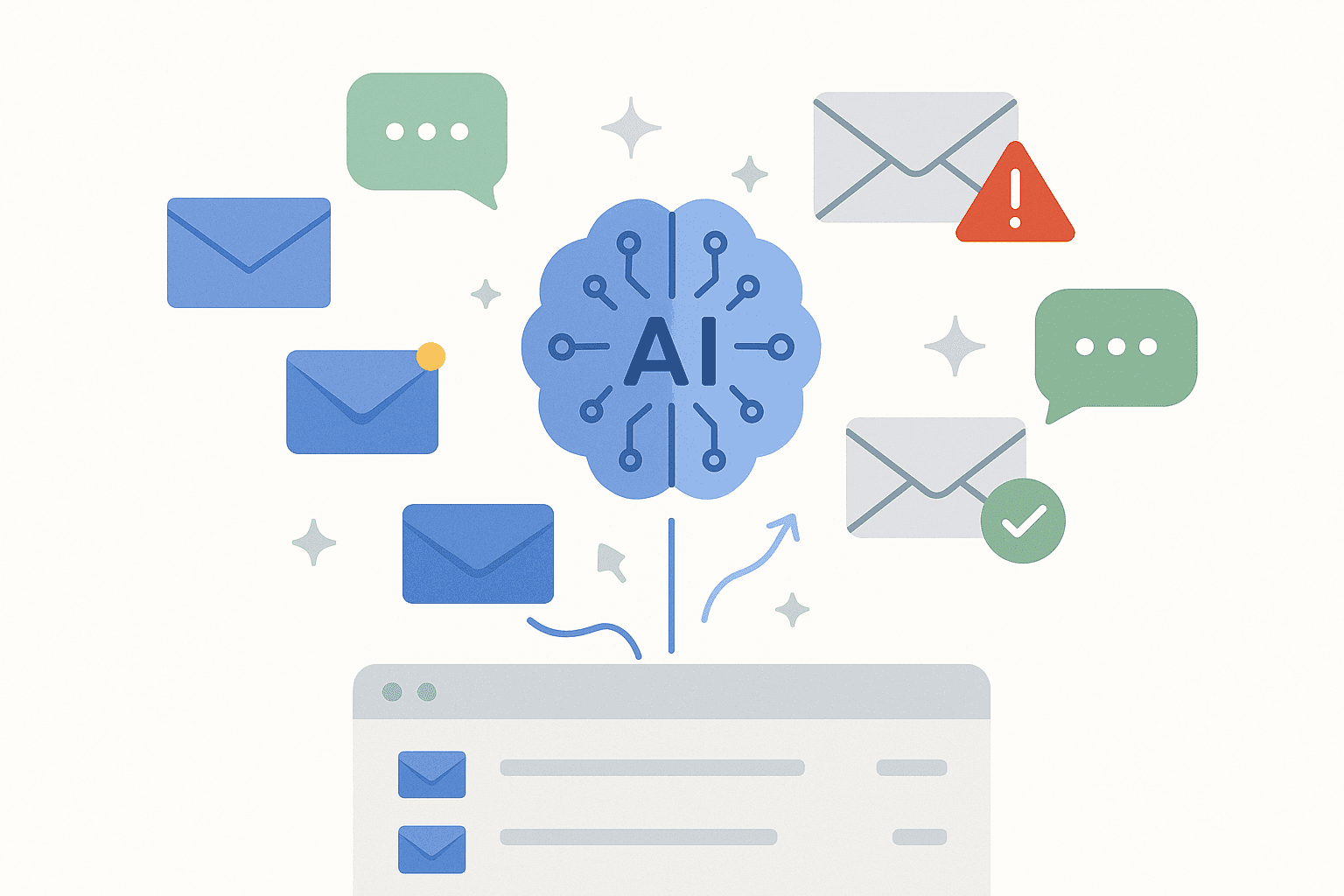
If you've Googled "AI email management tool" in the last six months, you've seen the same pattern. Every tool claims to use AI. Most of them just bolted GPT onto the reply button and called it a day.
That's not email management. That's autocomplete with a press release.
A real AI email management tool does four things that traditional email clients can't, and that's what this post is about. By the end you'll know what to look for, what's actually new in 2026, and what to ignore as marketing noise.
What an AI email management tool should actually do
The category has matured fast. The tools worth your time do more than draft replies. They behave like an assistant who has read every email you've ever received and remembers everything.
1. Sort emails automatically as they arrive. Not by sender. Not by domain. By content and intent. An invoice from Stripe goes to Finance. A frustrated customer goes to Action Required. A newsletter from Notion goes to Newsletters. No filters to write. No rules to maintain.
2. Prioritize what actually matters. Tools that "show all unread" aren't helping. The ones worth using flag what needs a response today, what's waiting on you, and what can wait until next week. Some learn from your behavior — who do you reply to in five minutes versus five days? — and surface accordingly.
3. Draft replies in your voice. Not generic AI prose. Not "I hope this email finds you well." Your actual voice, learned from your sent folder, ready to approve or edit before it goes out.
4. Understand your business. This is the new frontier. The best AI email tools in 2026 read your product docs, your pricing, your FAQs, and use that context when drafting replies. A customer asks "how does Smart Docs work on Pro?" — the AI answers with the actual limit, not a generic "great question, let me check."
What separates 2026 AI email tools from 2024 versions
Two things changed.
The first is company-aware AI. In 2024, most email AI was generic — it could draft replies but didn't know what your company sold. In 2026, the leading tools let you upload product documentation and the AI references it when drafting. That's the difference between "Thanks for your question, I'll get back to you" and "Pro includes 3 documents. For 40 docs you'll want Team."
The second is sentiment over time. Not just "this email sounds frustrated" but "this customer's last six emails have been trending more negative." That's not just AI in your inbox. That's an early warning system for your business.
What's still hype in 2026
Skip these:
"Auto-send" features. Some tools ship AI that can send replies without your approval. This is a fast way to embarrass yourself when the AI gets context wrong. Always keep humans in the loop.
"Email summarization" as a standalone product. Reading the email is rarely the bottleneck. Knowing what to do with it is. Summary tools that don't sort, prioritize, or draft are solving the wrong problem.
Generic "writing assistants" that work in email. Most of these are GPT wrappers. They don't know who you are, who you're writing to, or what your relationship is. You can do better with a tool built specifically for email.
What an AI email management tool should feel like
You open your inbox once a day. You don't scan. You don't sort. You don't decide which emails matter — that's done.
You see five threads tagged Requires Attention. Three drafts already written, sitting in your voice. Two customers flagged as trending negative — you reach out before they churn.
The other 47 emails? Categorized, archived, and waiting if you need them. But you probably don't.
That's what a real AI email management tool looks like in 2026. It's not faster email. It's less email — and the email that's left is the email that actually matters.
How to evaluate AI email tools
Three questions to ask any tool before you commit:
Can it learn my voice? If the AI replies sound like a chatbot, no thank you. Look for tools that train on your sent folder, not just generic LLM output.
Does it know my business? If you can't upload product docs, pricing, or FAQs, the AI is flying blind on every customer email.
Does it work across all my accounts? A tool that only handles one Gmail isn't going to scale with you. Look for multi-mailbox support.
The right answer to all three is yes. Most tools fail at least one.
What we're building at LetterLeaf
LetterLeaf is built on the assumption that the inbox shouldn't be the place where your day goes to die. It sorts on arrival. Drafts in your voice. Knows your company. Surfaces sentiment. And it does all of it across every email account you connect.
If that sounds useful, join the waitlist. 7 days free with 100 AI credits when access opens.